YouTube's default settings may hinder your viewing experience rather than enhance it. Most users seldom venture beyond these settings, crafting a predictable and often frustrating experience. By leveraging a few targeted adjustments, you can significantly improve how you interact with the platform, from reducing distractions to managing content recommendations.
Key Adjustments for Better Control
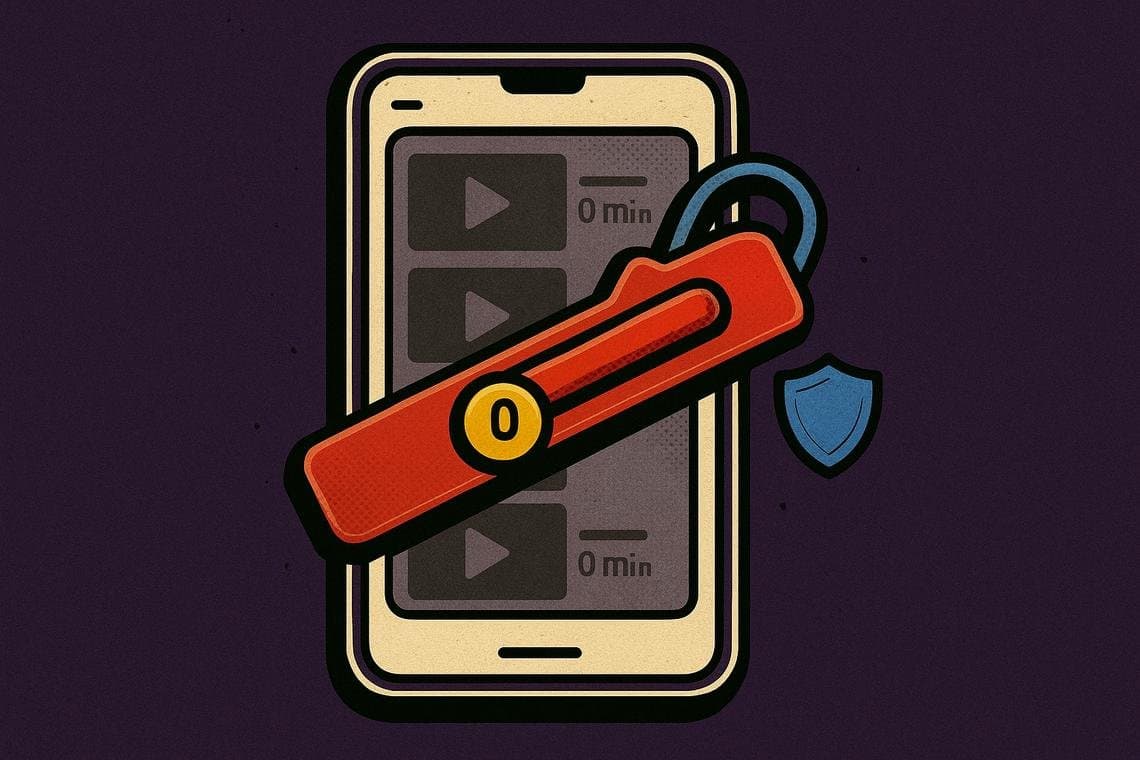
One of the most impactful changes involves managing YouTube Shorts. Unfortunately, the platform does not allow complete disabling of Shorts, but you can set a daily feed limit, even down to zero minutes, by navigating to Profile > Settings > Time Management. This serves as a soft reminder, particularly useful for shared devices with children, to limit exposure to potentially disruptive content.
Another essential tweak is disabling the Autoplay feature, which automatically queues the next video after the current one ends. Many viewers find these recommendations unappealing. To turn this feature off, go to Profile > Settings > Playback and toggle off the 'Autoplay next video' option. Alternatively, a quick toggle on the video player screen can also disable this feature.
Customization extends beyond just these major features. Video previews can be disabled, which helps save mobile data and declutters the scrolling experience. This option, though often overlooked, can enhance user satisfaction and reduce the feeling of overwhelm.
Ultimately, these adjustments are about regaining control over your YouTube experience. As users become more aware of how to manage their settings effectively, it could lead to an overall shift in how content is consumed on the platform, fostering a more intentional and less chaotic viewing environment.
This article is for informational purposes only and is not financial advice.