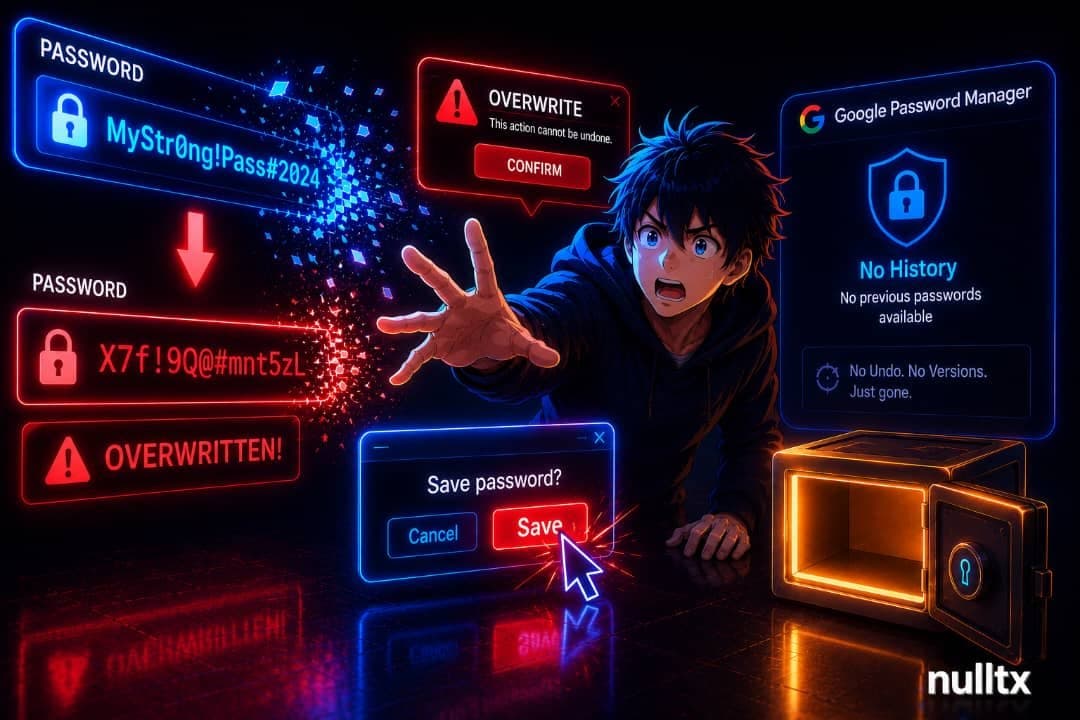
One accidental click wiped out a password the author had relied on for months. Google Password Manager saved the wrong value instantly, silently, and permanently, with zero way to undo it.
The setup was ordinary enough. A familiar site, a routine login, the browser filling in credentials the way it always does. While entering some unrelated figures elsewhere on the same page, an unexpected pop-up appeared. A reflex click. That was all it took. Whatever value happened to be sitting in that pop-up field got written over the stored password, and Google Password Manager did what it always does: saved it without asking.
By the time the mistake was clear, the original credential was gone. No undo button. No previous version. No prompt saying "this differs from what we had before, are you sure?" Just the new, wrong value sitting there as if it had always been the password. What followed was the familiar misery of account recovery flows, support tickets, and waiting, the kind of time sink that anyone who has lost access to a critical account without a backup method knows intimately.
Version history is everywhere except where passwords live
Word processors have had revision history for years. Code editors track every change. Note-taking apps let you scroll back through dozens of saved states. Even Google's own Docs product treats version history as a basic expectation, not a premium feature. Password managers, though, seem to have missed the memo entirely.
The problem with Google Password Manager's silent auto-save is that it's brilliant when nothing goes wrong and quietly catastrophic when something does. There is no concept of a save log, no lightweight record a user could scan to say "that's not the one I meant to keep." The author's suggestion is modest: store up to five previous password versions per site. Not a full audit trail. Just enough of a buffer so that a single misclick during a distracted moment doesn't erase months of credential history with no recourse.
Password managers exist to protect users from exactly this category of failure: the accidental overwrite, the unexpected interface behavior, the click that happens faster than conscious thought. Building a tool with no safety net for its own automatic saves is a design gap, not a minor inconvenience. The convenience that makes these tools worth using is the same mechanism that makes a silent overwrite so damaging.
Five saved versions per site would cost almost nothing in storage. The recovery value, on the other hand, could be significant for anyone who has ever fat-fingered a credential update at the wrong moment.
This article is for informational purposes only and does not constitute financial or security advice.